
Port Monitoring: Services, Tools and Features
Port monitoring is the proactive practice of continuously checking network communication ports to ensure your essential services like websites, email, and databases are always online and responsive. By instantly detecting outages and performance issues, it provides critical visibility, prevents downtime, and secures your business infrastructure.
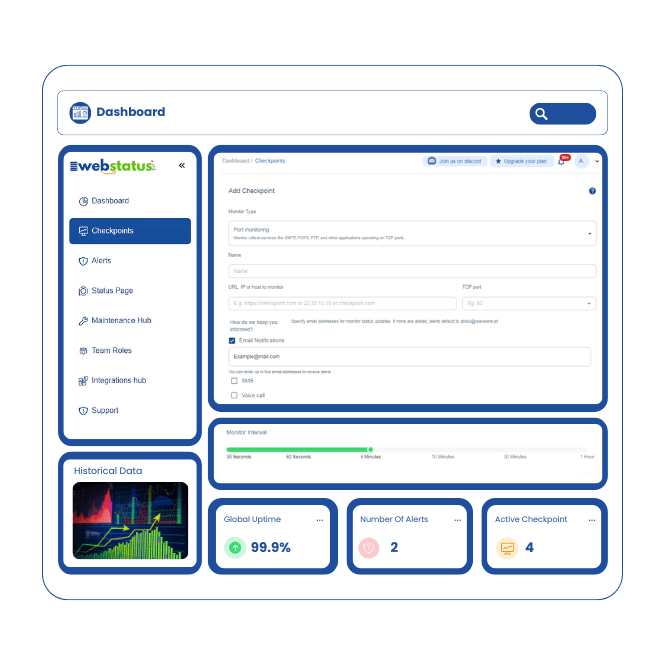
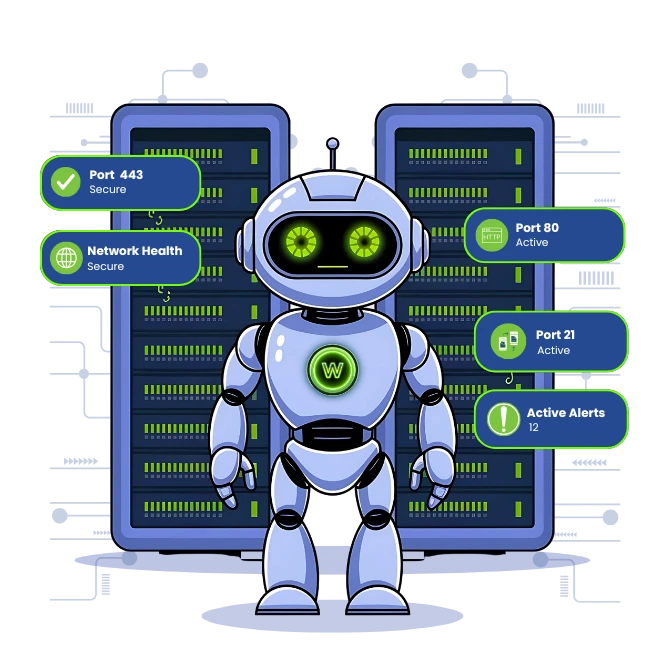
How does a port monitor detect service outages?
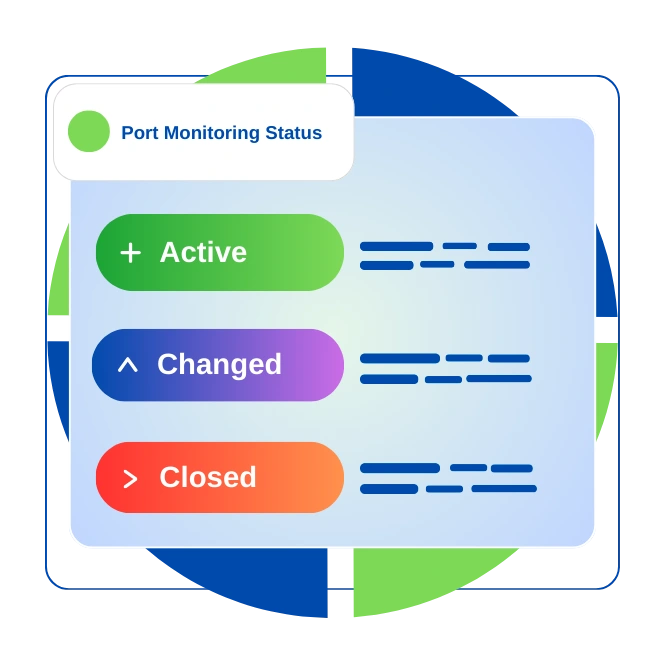
A port monitor detects service outages by sending automated connection requests like a "handshake" to specific ports at regular intervals. If the service does not respond correctly or within a set time, the tool logs a failure. After consecutive failures to filter brief glitches, it triggers an alert, notifying you that the service is down.
How does network port monitoring improve network visibility?
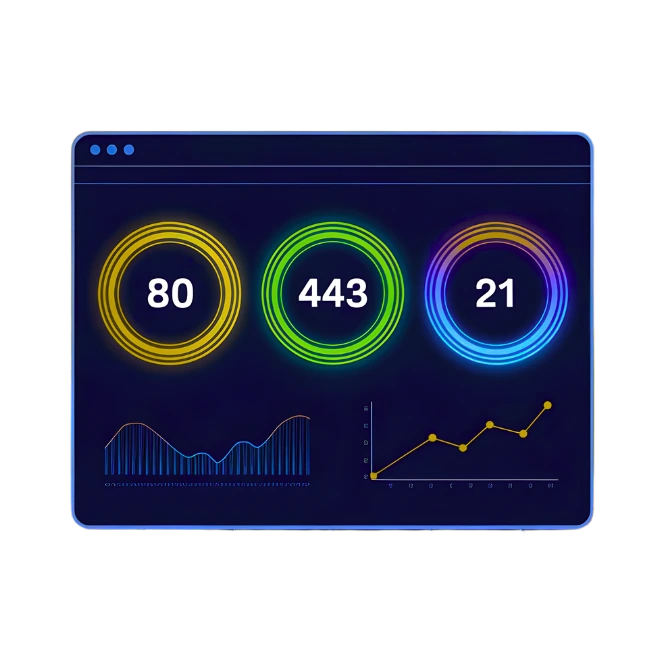
Network port monitoring acts as your network’s health dashboard, providing real-time visibility into which services are running and accessible. It maps what is communicating across your infrastructure, reveals unauthorized activity, and tracks performance trends, giving you complete control and awareness.
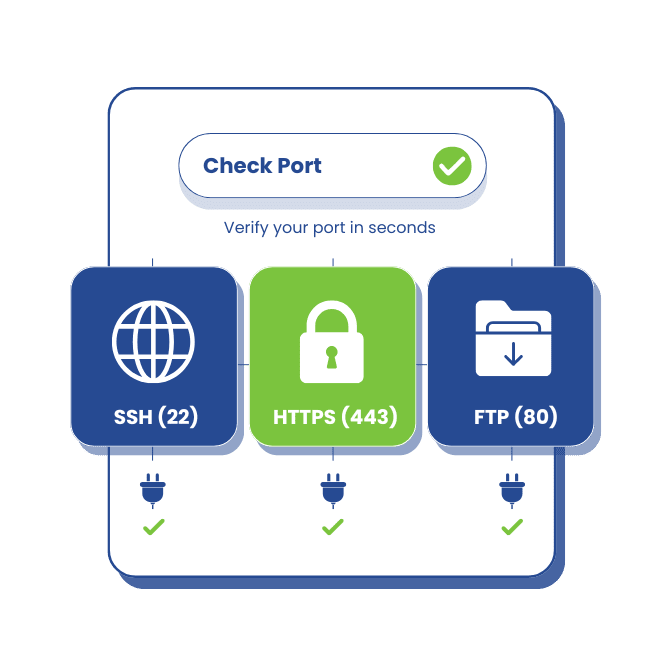
What is port availability in monitoring?
Port availability is a key metric showing whether a specific service port like port 443 for HTTPS is open, listening, and reachable. It’s measured as a percentage e.g., 99.9% uptime and directly tells you if your critical applications are online for users.
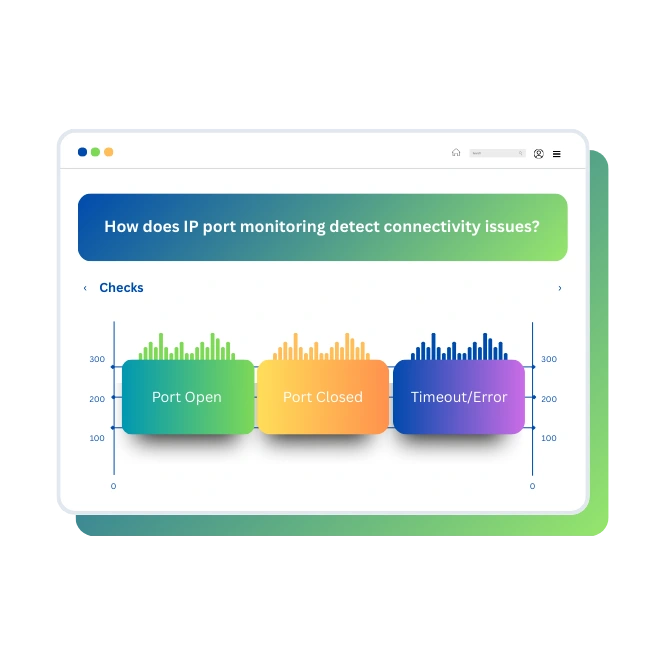
Try For FreeHow does IP port monitoring detect connectivity issues?
IP port monitoring tests the complete path to a service by targeting its specific IP address and port combination. It detects connectivity issues caused by firewalls blocking traffic, network routing errors, service crashes, or misconfigured applications, pinpointing where the connection breaks.
How does a port watcher alert on port status changes?
A port watcher sends instant, customizable alerts the moment a port’s status changes. You can receive notifications via Email, Discord, Telegram, Slack or app push notifications. It can alert for both failures and recoveries, ensuring your team is always informed.
Explore integrations


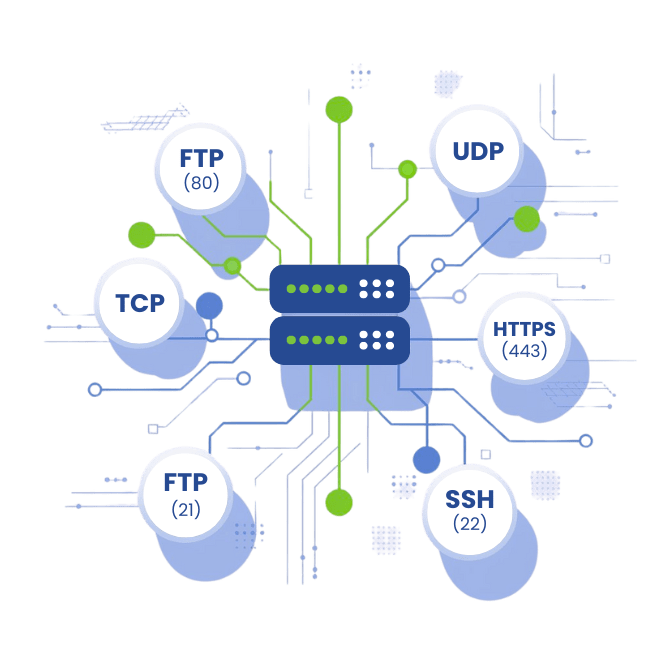
What features should port monitoring software have?
Effective port monitoring software should include:
- Multi-protocol support (TCP, UDP, ICMP)
- Customizable check intervals (from seconds to hours)
- Global monitoring locations to test from different regions
- Historical data and reporting
- Alert customization with thresholds and conditions
- Integration capabilities with other IT tools
- Easy setup without requiring client software
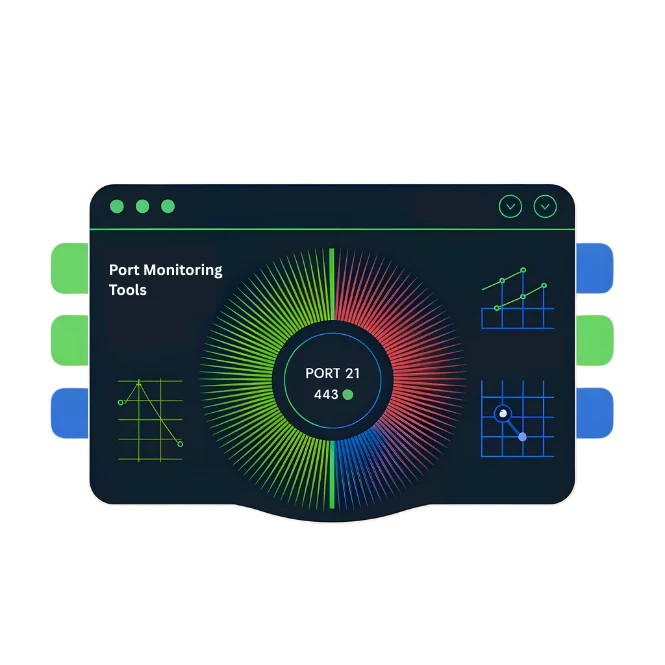
How do port monitoring tools work?
These tools work by simulating connection attempts to your specified ports from various global locations. They measure if and how quickly the port responds, log all results, and compare them against your performance thresholds to trigger alerts, giving you a real-time view of service health.
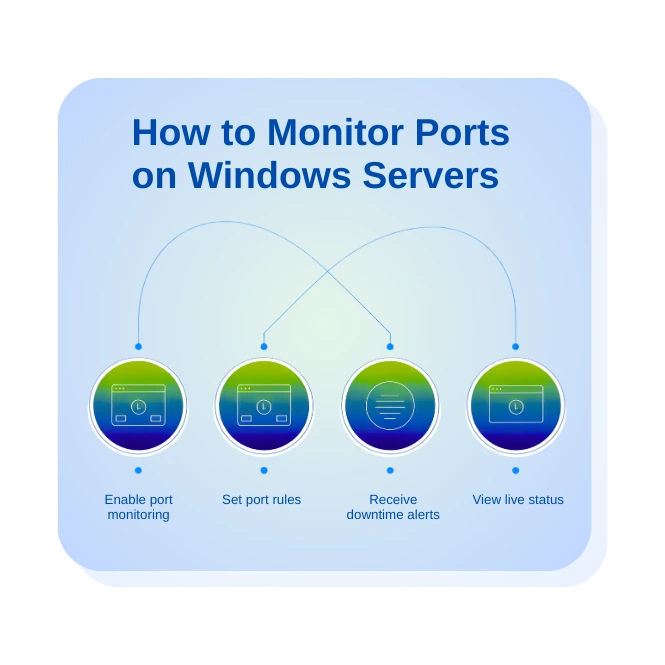
How to monitor ports on Windows servers?
Monitor Windows server ports by:
- Specifying the server's IP address or hostname
- Selecting the ports to monitor (RDP on 3389, SQL on 1433, etc.)
- Setting appropriate check frequencies
- Configuring authentication if needed for deeper checks
- Setting up alerts for IT staff
How does Windows port monitoring differ from Linux?
The core function is identical, but the focus differs due to distinct default services. Windows monitoring often targets ports for RDP (3389), SMB file sharing (445), and specific Windows APIs. Authentication and typical troubleshooting steps also differ from Linux environments.


Why is switch port monitoring important for networks?
Switch port monitoring is vital for physical network management. It helps you track which devices are connected to each switch port, monitor bandwidth usage, identify unused or unauthorized connections, and troubleshoot physical layer problems that can affect overall performance.
How does switch port analysis help troubleshoot networks?
By analyzing switch port data:
- You can quickly isolate network problems.
- It helps identify the exact port where an issue occurs.
- Find devices causing network congestion or loops
- Correlate physical connectivity with service availability for faster resolution.
How does a port reporter generate monitoring insights?
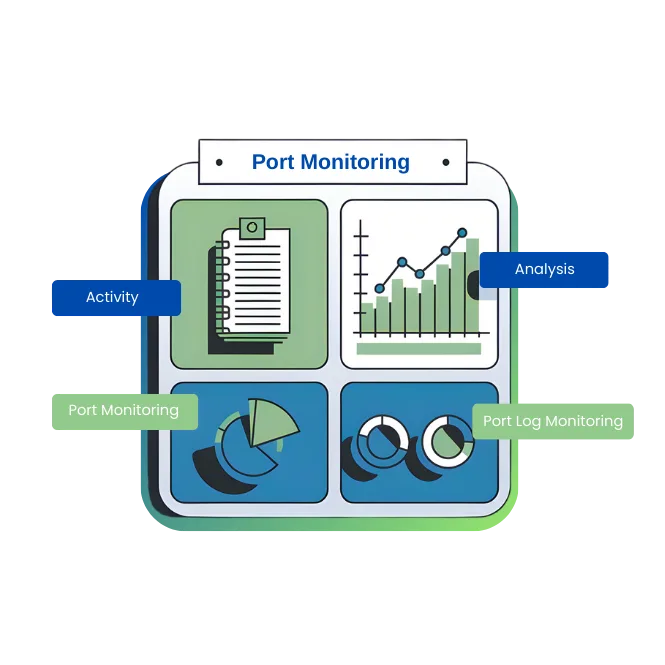
A port reporter compiles all monitoring data into actionable insights. It analyzes trends, establishes performance baselines, correlates events across your infrastructure, and can predict potential issues before they cause outages, turning raw data into strategic intelligence.
Easy setup: 4 clicks to create a port monitoring
1. Create port monitoring
Enter your server's address and select the ports to monitor. Use our presets for common services or add any custom port number.
2. Adjust the settings Set how often to check (from every minute to hourly), choose monitoring locations worldwide, and define your alert thresholds.
3. Get notifications Select your team members and their preferred notification methods. Test the alert system immediately to ensure it works perfectly.
Comprehensive Website Monitoring Solutions
We provide 10 core monitoring services to safeguard every aspect of your digital infrastructure with enterprise-grade reliability.
Website Monitoring
Monitor your website's uptime, performance, and response time from over 100 global locations to ensure optimal user experience.
SSL Monitoring
Track your SSL/TLS certificates for expiration, validity, and configuration errors to prevent security warnings.
Ping Monitoring
Check server availability and network latency with lightweight ICMP ping commands.
Port Monitoring
Scan critical service ports (e.g., 80, 443, 21, 22) for accessibility and status.
API Monitoring
Validate API endpoint functionality, response time, status codes, and payload correctness.
Cron Job Monitoring
Verify your scheduled tasks (cron jobs) execute on time and complete successfully.
Keyword Monitoring
Confirm the presence, rank, and appearance of specific keywords on your web pages.
Resource Monitoring
Observe server health metrics in real-time, including CPU, Memory, and Disk Space usage.
DNS Monitoring
Audit DNS records for propagation delays, misconfigurations, and poisoning attacks.
Domain Monitoring
Watch your domain registration details to prevent accidental expiration and hijacking.
Public Statuspage
Communicate service status and incidents to users with a transparent, real-time status page.
Why to choose Webstatus247 for Best Port Monitoring
We provide a powerful, user-friendly port monitoring solution featuring a global network of checkpoints, no software to install, transparent pricing, 24/7 expert support, and advanced capabilities that ensure your critical services remain available.

What clients tell about our port monitoring services?
We monitored all our critical servers in under 10 minutes. The simplicity and power are unmatched.
How does port monitoring support incident management?
Port monitoring is the cornerstone of effective incident management. It provides the initial detection that triggers your response process, delivers immediate diagnostic data to speed up troubleshooting, and creates accurate timelines for post-incident reviews, significantly reducing outage duration.
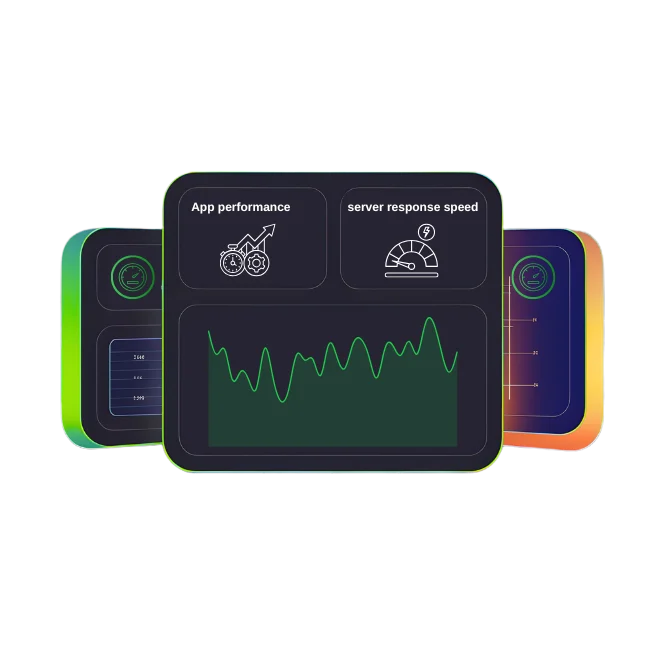
How does port response time affect service performance?
Port response time measures how quickly a service accepts connections. Slow response times indicate:
- Server resource constraints (CPU, memory)
- Network congestion or latency
- Application-level delays
- Database or backend issues
- Security software causing delays
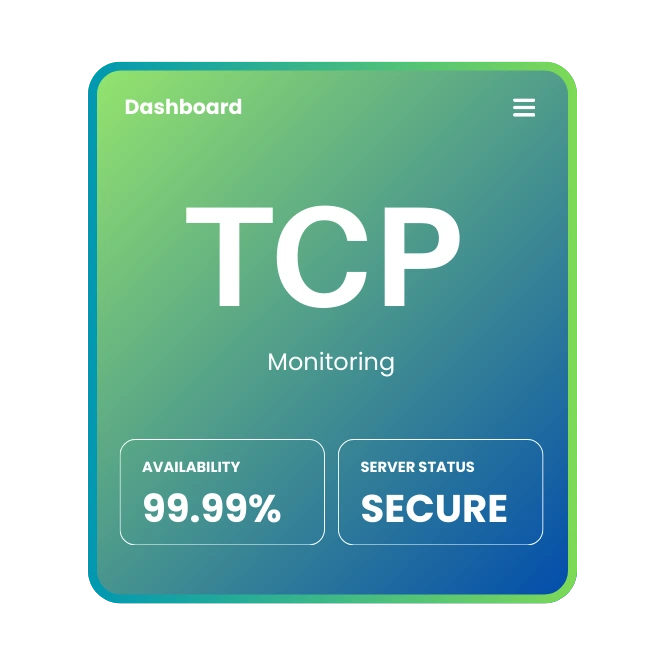
What is TCP and how is it used in port monitoring?
TCP (Transmission Control Protocol) establishes reliable, ordered connections. In monitoring, we initiate a TCP handshake with a target port. Measuring the success and speed of this connection confirms if services like web servers (HTTP/HTTPS), email (SMTP), and databases are properly listening and responsive.
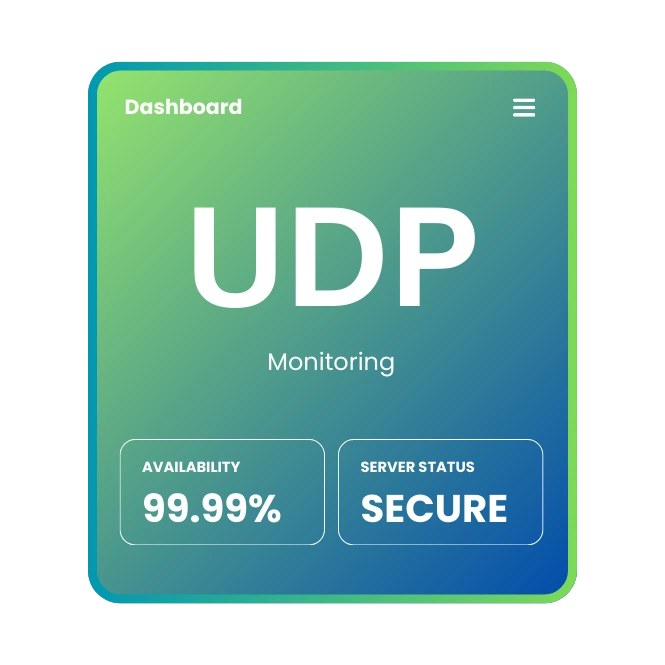
What is UDP and when is it monitored?
UDP (User Datagram Protocol) enables fast, connectionless data transfer. We monitor UDP ports for services where speed is critical and some packet loss is acceptable, such as DNS (port 53), VoIP, video streaming, and online gaming. Monitoring may involve sending a query and verifying a response is received.
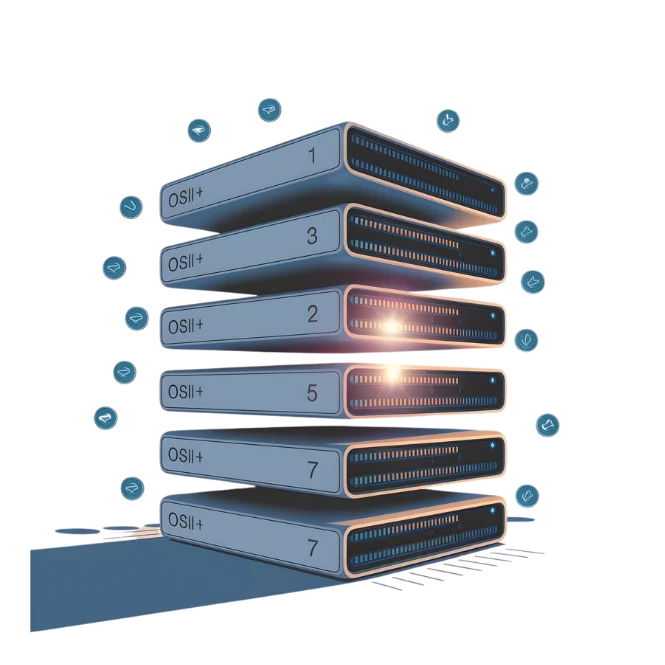
How does the OSI Model relate to port monitoring?
Port monitoring primarily operates at Layer 4 (Transport) but provides insights across multiple OSI layers:
- Layer 1 (Physical): Switch port monitoring
- Layer 3 (Network): IP connectivity and routing
- Layer 4 (Transport): TCP/UDP port availability
- Layer 5-7 (Session, Presentation, Application): Service-specific checks
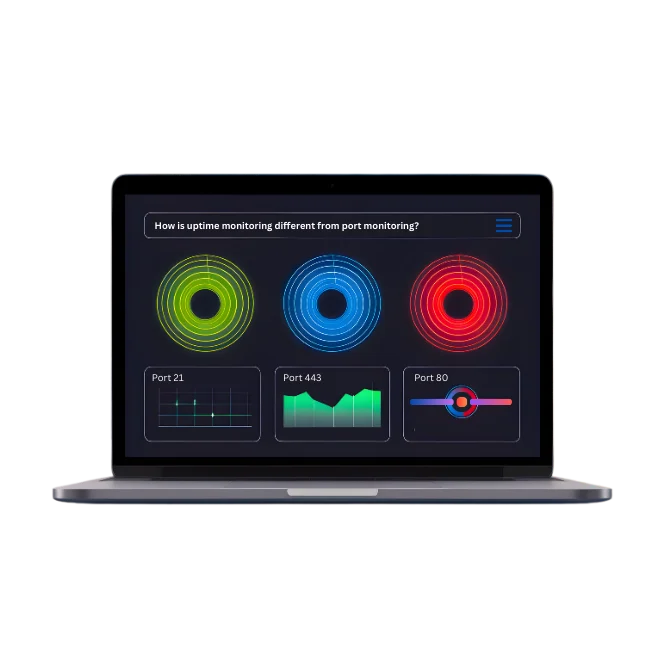
How is uptime monitoring different from port monitoring?
Uptime monitoring checks if a device is powered on and network-accessible (usually via ping). Port monitoring is more specific, checking if particular services are running and accepting connections. A server can be "up" but have critical services down on their ports.
How does port monitoring help prevent downtime?
By providing early warnings about:
- Gradual performance degradation before failure
- Intermittent issues that might worsen
- Security breaches that open/close unusual ports
- Configuration changes affecting service availability
- Dependency failures (database ports down affecting web ports)
Frequently Asked Questions
 What is a monitoring port?
- What’s the difference between port mirroring and NPB port monitoring?
- What is a network monitoring tool?
- Why should I monitor ports?
- Can I monitor multiple devices?
- Do you provide performance data?
What is a monitoring port?
A monitoring port is a network port checked regularly to ensure it’s open and working, keeping services like email or websites accessible.
What’s the difference between port mirroring and NPB port monitoring?
Port mirroring copies traffic for analysis, while port monitoring checks if a port is active and performing well.
What is a network monitoring tool?
It’s software that watches your network’s devices and services, like ports or servers, to catch issues early.
Why should I monitor ports?
Monitoring ports helps you spot downtime, security risks, or performance issues before they hurt your business.
Which ports can I monitor?
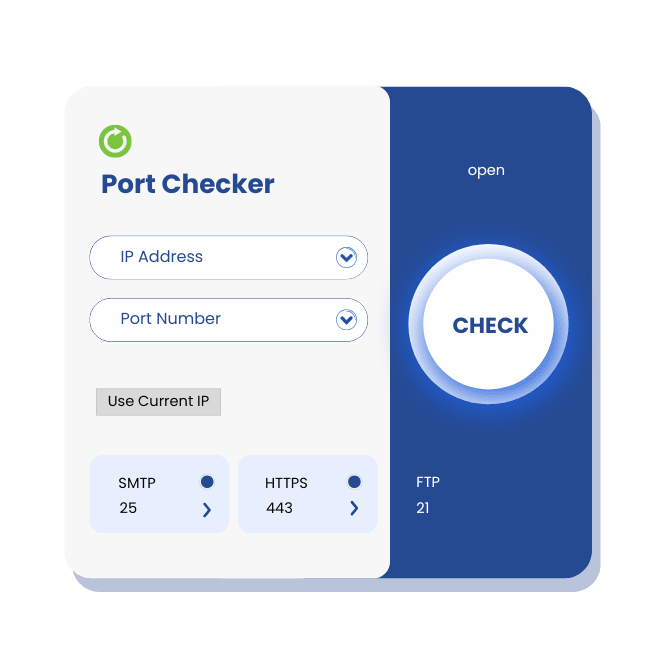
You can monitor TCP, UDP, or specific ports like HTTP (80), HTTPS (443), or SMTP (25).
How often are ports checked?
We check as often as you need, from every minute to custom intervals.
Can I monitor multiple devices?
Yes, track ports across all your servers and devices from one easy dashboard.
What if a port goes down?
You’ll get instant alerts via email, SMS, or your preferred method to act quickly.
Do you provide performance data?
Yes, we track latency, uptime, and response times for clear insights.
Can I connect this to other tools?
Absolutely, integrate with Slack, PagerDuty, or custom webhooks for seamless alerts.
Have any questions? Get in Touch